Build a Powerful Rental Property Calculator XLS From Scratch
Learn to build a powerful rental property calculator XLS with this guide. Analyze cash flow, ROI, and cap rates to make smarter investment decisions.
Building your own rental property calculator in Excel (.xls) is single-handedly the most powerful thing you can do to get serious about deal analysis. Forget those generic online tools for a moment. A custom spreadsheet gives you the ultimate control to model unique financing, plug in expenses specific to your local market, and genuinely grasp the mechanics behind your returns.
This isn't just a numbers game; it's about crafting a financial tool that grows with you and perfectly reflects your investment strategy.
Why Build Your Own Rental Property Calculator
Pre-made calculators are convenient, sure, but they often feel like a black box. You plug in numbers, and an answer comes out, but what assumptions are driving that result? When you build the tool yourself, you develop an intimate understanding of every single variable that impacts a deal’s bottom line. That kind of transparency is what separates guessing from making confident, data-backed decisions.
A custom spreadsheet lets you go so much deeper than the basics. You can run powerful "what-if" scenarios on the fly. What happens to my cash flow if interest rates jump by 0.5%? What if the vacancy rate is 2% higher than I planned? This is the level of control you need to navigate an unpredictable market.
Gain Total Control Over Your Analysis
When you create your own rental property calculator, you're no longer stuck with the features some app developer thought were important. You decide which metrics matter to your strategy.
The advantages are huge:
- Total Customization: You can add line items that generic tools always miss, like specific HOA fees, local flood insurance costs, or seasonal maintenance budgets.
- Unmatched Flexibility: Want to model creative financing like a seller-financed deal or an adjustable-rate mortgage? No problem. You can build out scenarios for future refinancing plans and see the long-term impact.
- Complete Transparency: Every formula is yours. You see exactly how income, expenses, and returns are connected, which is the best way to learn. Our guide on how to analyze a rental property dives even deeper into these core principles.
Understand the Market Context
Your calculator is only as good as the numbers you feed it, and those numbers have to reflect what’s happening on the ground right now. The global real estate rental market was valued at a staggering $2,708.35 billion in 2024, and it's still growing.
Here in the U.S., you'll see gross rental yields bouncing anywhere from 4% to 8%, sometimes higher, depending on the city. That's why using localized data for rent estimates, property taxes, and insurance is non-negotiable for getting a realistic picture. You can find more details on these global market trends to stay informed.
The real power of a custom calculator isn't just getting the right answer; it's understanding why it's the right answer. When you build the formulas yourself, you internalize the financial levers that make an investment succeed or fail. This knowledge is your greatest asset.
Laying the Foundation for Your Excel Calculator
Before you even think about plugging in formulas, how you structure your rental property calculator is what makes it work. A well-organized spreadsheet isn’t just about aesthetics; it's about building a logical, error-resistant tool that walks you through the analysis. Think of it like drawing up a clear blueprint before you pour the concrete—nail this part, and everything else falls into place.
The key is to create a clean separation between your inputs (the numbers you’ll be changing for each deal) and your outputs (the results calculated by your formulas). This one simple practice drastically cuts down on the chances of accidentally deleting a critical formula later on. I always recommend color-coding your input cells—a light blue or yellow fill makes it instantly obvious where you need to enter new data.
This visual flow shows how a solid foundation leads to sharper analysis and, ultimately, better control over your decisions.
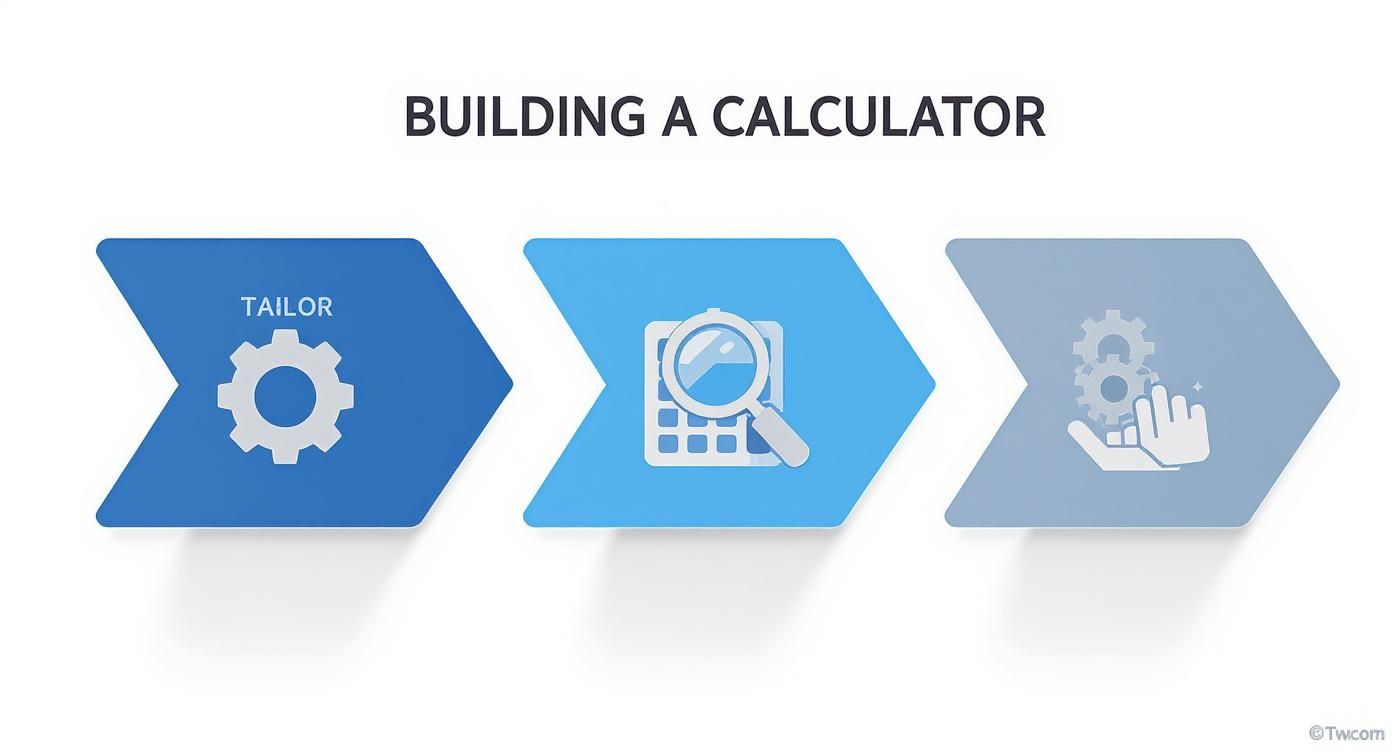
By focusing on a tailored structure first, you set the stage for a more robust analysis, giving you the precision needed to evaluate any deal.
Structuring Your Purchase Information
First things first, you need a section dedicated to all the upfront costs of buying the property. This is ground zero for figuring out your total cash needed to close and the true basis of your investment.
Carve out a clean, dedicated area for these numbers:
- Purchase Price: The number everyone focuses on—the agreed-upon sale price.
- Down Payment Percentage: The slice of the purchase price you're paying in cash (e.g., 20%).
- Down Payment Amount: This should be a calculated field:
Purchase Price * Down Payment %. - Closing Costs: A critical and often underestimated expense. You can plug in a percentage (typically 2-5% of the purchase price) or a specific dollar amount if you have a quote from your lender or attorney.
- Initial Repair/Renovation Budget: Don't forget this. It’s the cash you need on day one to get the property rent-ready.
Grouping these items together gives you an immediate, clear picture of your total initial cash outlay. This is the real "cash" in your cash-on-cash return.
Defining Financing and Loan Details
Right below your purchase info, set up a block for all the financing details. These inputs are what will drive your mortgage payment calculations and the amortization schedule down the line.
Here are the essential financing inputs:
- Loan Amount: Keep it simple and calculate this as
Purchase Price - Down Payment Amount. - Interest Rate: The annual interest rate on your mortgage.
- Loan Term (Years): The length of the loan, usually 15, 20, or 30 years.
- Points/Loan Fees: Any extra fees paid to the lender to secure the loan.
This setup makes it incredibly easy to model different financing scenarios. For example, you can instantly see how a tiny 0.25% change in the interest rate ripples through your monthly payment and overall cash flow.
A rookie mistake is to lump all costs into one giant list. By separating purchase, financing, income, and expenses into distinct blocks, you create a modular tool. This design makes it incredibly easy to update one area—like a new insurance quote—without messing up the entire calculator.
Projecting Income Streams
Next up is the income section, where you'll map out all the potential revenue the property can generate. While monthly rent is the main event, don't forget about other possible income sources.
Your income block should include fields for:
- Gross Monthly Rent: The total rent you expect to collect from all units.
- Other Monthly Income: This could be anything from pet fees and laundry machine revenue to paid parking or storage units.
- Total Monthly Income: A simple sum of the two lines above.
- Annual Income: Just multiply your total monthly income by 12.
This bit of detail ensures you're capturing the property's full revenue potential, not just the headline rent figure.
Itemizing Your Operating Expenses
This is, without a doubt, the most critical part of your analysis. Underestimating your operating expenses is the single fastest way to turn a "great deal" into a money pit. You have to be thorough and realistic here.
Break down your expenses into specific line items:
- Property Taxes: If you can, pull the exact figure from the county assessor's website.
- Property Insurance: Don't guess. Get a real quote from an insurance agent.
- Repairs & Maintenance: A common rule of thumb is 1% of the property's purchase price annually, but you can also use a fixed monthly amount based on the property's age and condition.
- Vacancy: A crucial buffer for when the property is empty. This is usually a percentage of gross rent, often between 5-10%, depending on your local market.
- Capital Expenditures (CapEx): This isn't the same as maintenance! This is your savings account for big-ticket items like a new roof, HVAC system, or water heater.
- Property Management Fees: If you're hiring a manager, budget for 8-12% of collected rent.
- HOA Fees: If the property is in a homeowners association.
- Utilities: Any utilities that you, the landlord, are responsible for paying.
Standard Operating Expense Estimates
Getting your expense estimates right from the start is half the battle. If you're new to a market or don't have hard numbers yet, these common percentage-based rules of thumb can be a fantastic starting point. Plug them into your calculator and refine them as you get real quotes.
| Expense Category | Common Range (% of Gross Rent) | Notes |
|---|---|---|
| Vacancy | 5% - 10% | Highly market-dependent. Class A properties may be lower, Class C higher. |
| Repairs & Maintenance | 5% - 10% | Use the higher end for older properties with deferred maintenance. |
| Capital Expenditures | 5% - 10% | Non-negotiable fund for future big-ticket replacements (roof, HVAC). |
| Property Management | 8% - 12% | Based on collected rents, not scheduled rents. Varies by firm. |
| Total OpEx | 40% - 55% | Known as the "50% Rule," a quick check for initial deal screening. |
Remember, these are just guides. The more you can replace these estimates with actual, verified numbers, the more reliable your analysis will be.
The global housing supply shortage has put an even brighter spotlight on these numbers. With a net deficit of about 6.5 million housing units in key economies, rental demand is strong, but affordability is a real challenge. In North America, roughly 50% of renter households are cost-burdened, which means your expense tracking has to be razor-sharp to set sustainable rents and project realistic vacancy. For a deeper dive, check out the insights on global rental dynamics from Hines Research. This disciplined approach in your rental property calculator xls gives you the clarity you need to make a solid investment.
Bringing Your Spreadsheet to Life with Core Investment Formulas
Alright, you've got the skeleton of your spreadsheet built out with all the inputs. Now for the fun part—making it smart. This is where we plug in the formulas that will transform that static list of numbers into a powerful engine for analyzing deals.
These aren't just random calculations; they're the essential metrics that tell the true story of a property's financial health. Getting these right is everything.

Calculating Net Operating Income (NOI)
First up, we need to calculate the Net Operating Income (NOI). I like to think of NOI as the property's pure, unadulterated profitability. It shows you how much money the asset generates on its own, completely separate from any mortgage you might have.
The math is straightforward: just subtract all your operating expenses from your gross operating income.
In your Excel sheet, if your annual income is in cell B15 and your total annual expenses are in cell B25, the formula is as simple as this:
=B15-B25
A healthy, positive NOI is the first green flag I look for in any potential deal. To see how NOI fits into a broader analysis, check out our deep dive on real estate investment analysis spreadsheets.
Determining Annual Cash Flow
This is the number every investor really cares about: cash flow. It’s the money that actually hits your bank account at the end of the year after every single bill—including the mortgage—is paid.
To figure this out, you’ll take your NOI and subtract your annual debt service (your total mortgage payments for the year).
You can get your monthly mortgage payment using Excel’s PMT function. Let's say your interest rate is in B9, the loan term (in years) is in B10, and the loan amount is in B8. The formula would be:
=PMT(B9/12, B10*12, -B8)
Multiply that by 12 to get your annual debt service. Then, if your NOI is in cell B26 and your annual debt service is in B27, your cash flow formula is simply:
=B26-B27
That final number is your pre-tax cash flow. If it’s positive, you’ve got a property that pays for itself and then some.
The Importance of Capitalization Rate (Cap Rate)
The Capitalization Rate (Cap Rate) is one of the most fundamental metrics in real estate. It's how you compare the potential return of different properties on an apples-to-apples basis, without financing clouding the picture.
The formula is just your Net Operating Income (NOI) divided by the property's purchase price.
So, if your NOI is in B26 and the purchase price is in B1, the formula is:
=B26/B1
Pro Tip: Make sure you format the cell with the Cap Rate formula as a percentage. This gives you an instant read on the property's yield. A higher cap rate often means a higher potential return (but usually comes with more risk), while a lower cap rate suggests a safer, more stable investment.
I use this all the time for quick-and-dirty analysis. If I’m looking at three different duplexes, I can calculate the cap rate for each and immediately see which one offers the best raw return on its market value.
Measuring Cash-on-Cash Return
While Cap Rate is great for comparing properties without financing, Cash-on-Cash Return puts your actual investment front and center. This is the metric that answers the most important question: "For every dollar I put into this deal, how much am I getting back each year?"
It measures your annual cash flow against the total cash you invested out-of-pocket (your down payment, closing costs, and any initial rehab costs).
To get this number, divide your annual cash flow by your total cash invested. If annual cash flow is in cell B28 and your total cash-in is in cell B6, the formula is:
=B28/B6
Again, format this cell as a percentage. A 10% cash-on-cash return means that for the $50,000 you put down, you're getting back $5,000 in cash flow every single year.
It's also worth noting that the rental landscape is always evolving. The short-term rental market, for example, saw a 9% jump in global listings from late 2023 into 2024. In hot markets like Dubai, that growth was over 25%. If you're analyzing one of these, your calculator needs to account for platform commissions (often 10-15%), cleaning fees, and local taxes, all of which directly impact your cash-on-cash return. Mastering these core formulas is what makes your calculator a true powerhouse for navigating any investment strategy.
Adding Advanced Features for Deeper Insights
Alright, you’ve got the core metrics dialed in. Your calculator is already a solid tool for a first-pass analysis. But to really kick the tires on an investment and see how it will perform over the long haul, we need to build in some more dynamic features.
This is where your spreadsheet evolves from a simple calculator into a true analysis engine. Let's start with one of the most eye-opening additions: a loan amortization schedule. This isn't just about seeing your monthly payment. It's about pulling back the curtain to see how your debt is paid down, payment by payment. It shows you exactly how much of your hard-earned money is going toward interest versus actually building equity. Trust me, it’s a critical piece of the puzzle for long-term wealth building.
Building a Dynamic Loan Amortization Schedule
An amortization schedule gives you the full story of your mortgage over its entire life. It’s always a bit of a shock, especially in the early years of a loan, to see how much of your payment is just feeding the bank’s interest machine.
To get this built into your rental property calculator xls, we’ll lean on three powerhouse Excel functions:
- PMT: This one calculates your total monthly payment (principal + interest). We already used it for our cash flow calculation, so it's the foundation.
- PPMT: This calculates only the principal portion of any given payment.
- IPMT: You guessed it—this one calculates only the interest portion.
Let’s say your Loan Amount is in cell B8, your annual Interest Rate is in B9, and the Loan Term (in years) is in B10. You can set up a simple table with columns for the Payment Number, Principal, Interest, and the Remaining Balance.
For the very first payment, your formulas would look like this:
- Principal (PPMT):
=PPMT(B9/12, 1, B10*12, -B8) - Interest (IPMT):
=IPMT(B9/12, 1, B10*12, -B8)
From there, you just drag these formulas down for all 360 payments of a 30-year loan, making sure to update the payment number for each row. Having this detailed view is absolutely essential for understanding the true cost of financing.
Mastering Scenario Modeling for Smart Decisions
This is where a custom Excel calculator really shines. A static analysis only gives you a single snapshot in time, but real estate is never that simple. What happens if rents dip? What if you can negotiate a better interest rate? Scenario modeling is how you answer these crucial "what-if" questions.
Your well-organized input section is about to pay big dividends. By tweaking just a few numbers, you can watch the entire financial picture change in real-time. This lets you compare different deal structures side-by-side and, more importantly, spot potential risks before you’re locked in.
The point of scenario analysis isn't to perfectly predict the future. It's to understand the range of possible outcomes and build a margin of safety into your deals. You want to know a property’s breaking point just as much as its best-case potential.
A simple but effective way to do this is to create a small "Scenario" block right at the top of your sheet. Here, you can quickly compare different financing options or market assumptions.
Example Financing Scenario Comparison
Let's look at how two common down payment options change the numbers on a deal.
| Variable | Option A (Aggressive) | Option B (Conservative) |
|---|---|---|
| Down Payment | 15% | 25% |
| Loan Amount | $255,000 | $225,000 |
| Monthly P&I | $1,528.98 | $1,348.80 |
| Monthly Cash Flow | $121.02 | $301.20 |
| Cash-on-Cash Return | 3.23% | 4.82% |
In this case, putting more skin in the game (Option B) dramatically boosts your monthly cash flow and improves your cash-on-cash return. It requires more capital upfront, of course, but this kind of apples-to-apples comparison is invaluable for making sure a deal aligns with your actual financial goals. If you want to dive deeper into this key metric, our guide on how to calculate cash flow on a rental property breaks it all down.
By adding these advanced features to your rental property calculator xls, you're moving beyond simple math and into strategic, forward-looking analysis. This is the kind of insight that separates casual investors from the pros who consistently build profitable portfolios.
Knowing When to Go Beyond Your Spreadsheet
Your custom-built rental property calculator xls is an incredible asset, especially when you're first screening a deal. I still use mine for a quick gut-check on a property. The flexibility to tweak any variable and see the immediate impact is something you just can't beat for that initial five-minute analysis.
But, and this is a big but, there's a point where that trusty spreadsheet starts to hold you back. Recognizing that tipping point is what separates a hobbyist from a serious investor who's ready to scale.
The hard truth is that while spreadsheets are brilliant for a single-property deep dive, they become a real liability as your portfolio grows. A single misplaced decimal or a broken cell reference can throw off your entire forecast, and you might not even notice it. It's a well-known secret that a huge number of business spreadsheets have significant errors—a risk that balloons with every new property you add to the mix.
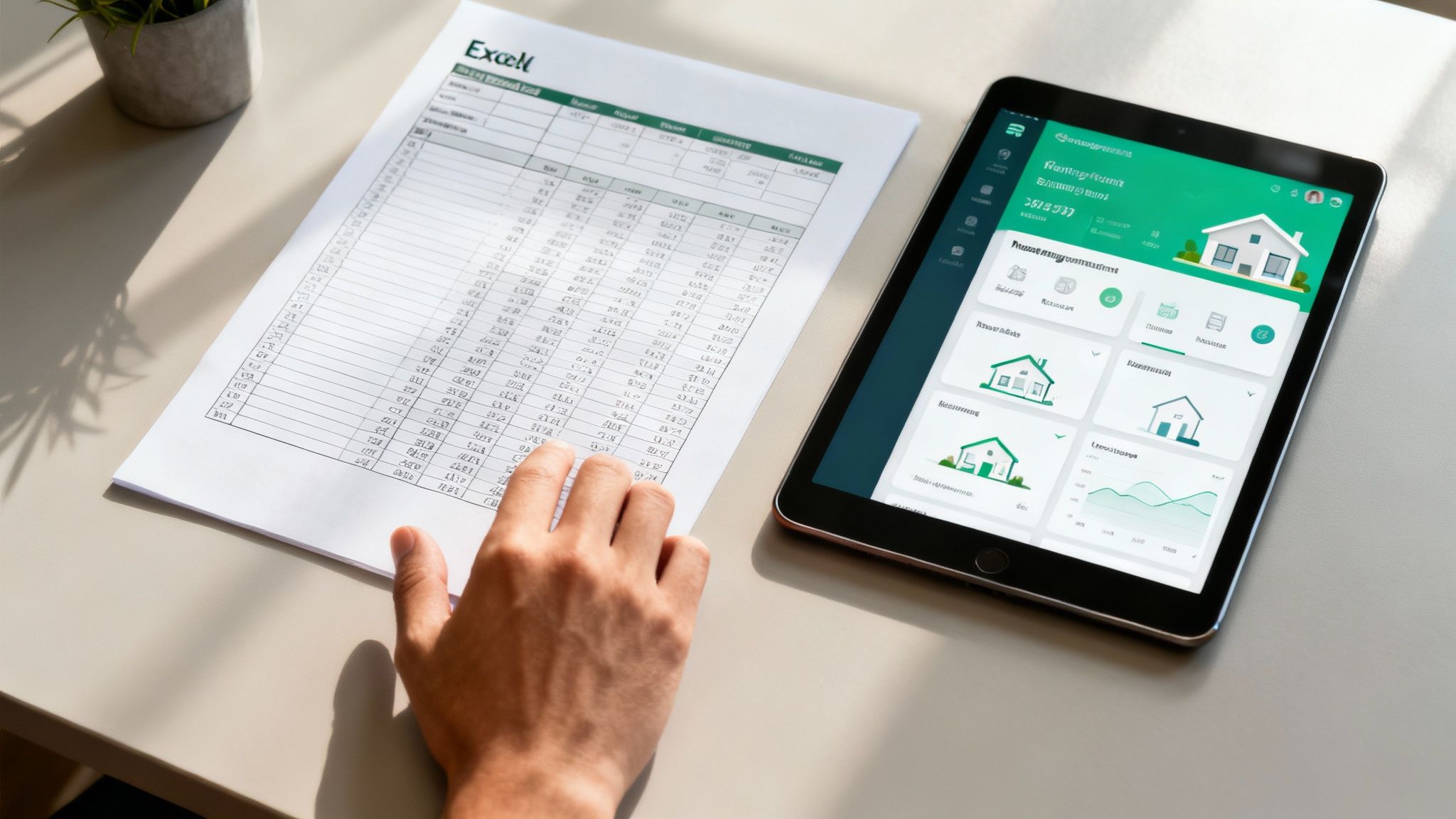
This is exactly when a dedicated real estate investment platform stops being a "nice-to-have" and becomes a critical part of your toolkit for protecting your time and your capital.
Recognizing the Pain Points of Manual Analysis
Once you start analyzing deals consistently, you'll feel the cracks in a spreadsheet-only approach. The sheer amount of time spent hunting down data for every property is staggering. You’re bouncing between Zillow, the county assessor’s website, local property management pages for rent comps, and maybe even calling an insurance agent for a quote.
It's not just tedious; it's a breeding ground for mistakes. I’ve seen investors miscalculate deals because of these common hurdles:
- Guessing at Rents: Your spreadsheet doesn't know the local market. You're left trying to find rental comps on your own, a process that’s often subjective and relies on data that could be weeks or months old.
- Static Numbers in a Dynamic Market: A spreadsheet is a snapshot in time. Property taxes get reassessed, insurance premiums change, and sales comps are constantly shifting. Your analysis is outdated almost as soon as you save the file.
- Portfolio Chaos: Trying to get a big-picture view of your portfolio using separate files is a nightmare. There’s no easy way to see your total cash flow, track your net worth across all properties, or monitor your vacancy rate at a glance.
If you’re spending more time updating cells than you are finding your next deal, that’s your sign. Your tools are getting in the way of your growth.
The best workflow I've found is a hybrid one. Use your quick-and-dirty spreadsheet for the initial "back of the napkin" math. As soon as a deal shows promise, graduate it to a serious tool for the real due diligence.
The Strategic Shift to a Dedicated Platform
Moving past a spreadsheet-only system doesn’t mean you toss your calculator in the trash. It means you use it for what it’s good at and bring in a powerhouse for the heavy lifting. The idea is to pair the fast, custom analysis of Excel with the automated, data-driven insights from a professional platform like Property Scout 360.
This lets you operate with both speed and accuracy. Here's what that looks like in the real world:
- The Quick Screen: You spot a new listing. You pop the purchase price, your estimated rent, and a few key expenses into your spreadsheet. In under five minutes, you know if it's even worth a second look.
- The Deep Dive: The numbers look good, so you pull up the address in a dedicated platform. Instantly, you get accurate rent estimates pulled from MLS data, real-time sales comps, and the actual property tax history—not just an estimate.
- Stress-Test Scenarios: Instead of manually building out different loan amortization tables, a real estate analysis tool lets you toggle between financing options, down payment amounts, and interest rates to see how they impact your ROI and cash-on-cash return over the next 30 years.
This two-step process saves an incredible amount of time and gives you a level of confidence that a spreadsheet alone can never provide. You're no longer just making an educated guess; you're making a decision backed by live market data. Your calculator starts the conversation, but a professional platform is what gets you to the closing table with certainty.
Common Questions About Rental Property Calculators
When you're deep in the weeds of real estate analysis, getting your numbers right is everything. As you start using or building your own rental property calculator in Excel, you're bound to run into a few common questions. I know I did.
Getting clear on these points is what separates a pretty spreadsheet from a powerful tool that actually helps you make money. Let's tackle some of the most frequent questions I hear from other investors.
How Do I Handle Unpredictable Costs Like Repairs?
This is a big one. It's easy to account for a fixed mortgage payment, but what about a leaky roof or a broken water heater? You can't predict when they'll happen, but you can predict that they will happen. The trick is to stop thinking about them as one-off disasters and start treating them as a regular, budgeted expense.
I've found the most reliable way to do this is by setting aside a percentage of the gross rent each month. Here’s a simple framework that has served me well over the years:
- Repairs & Maintenance: I budget 5-10% of the gross monthly rent. For a brand new build, I might lean toward 5%, but for a 50-year-old duplex, you better believe I'm budgeting closer to 10%.
- Capital Expenditures (CapEx): This is for the big stuff—the roof, the HVAC, the windows. I set aside another 5-10% specifically for these larger, inevitable replacements. This is a separate bucket from everyday maintenance.
- Vacancy: I also factor in 5-10% for the months the property sits empty between tenants. If you're in a hot market where things rent in a day, you might use a lower number. In a slower market, be more conservative.
By turning these "surprises" into predictable line items, a single bad month won't sink your entire year's cash flow. It’s a simple but crucial shift in mindset.
Can I Add Depreciation to My Calculator?
You absolutely can, and frankly, you should. Depreciation is one of the most powerful wealth-building tools in real estate, but it's a "paper loss," so it often gets missed in basic cash flow spreadsheets. The IRS lets you deduct the value of your building (not the land) over 27.5 years for residential properties.
Here’s how to work it into your spreadsheet:
- First, figure out your property's cost basis. That's the purchase price plus closing costs, minus the value of the land.
- Then, just divide that number by 27.5. That gives you your annual depreciation deduction.
- I like to create a separate "Tax Analysis" section in my calculator to track this.
It's critical to remember that depreciation doesn't impact your actual cash in the bank each month. It’s a non-cash expense. Its real power comes at tax time when it lowers your taxable income, potentially saving you thousands.
How Often Should I Update My Calculator?
Your rental calculator isn't something you build once and never touch again. Think of it as a living document that needs to evolve with your investment. I recommend a full review at least once a year, and any time there’s a major financial change.
I always pull up my spreadsheets at these key moments:
- When the annual property tax bill arrives: These numbers almost always change.
- During insurance renewal: Premiums have a nasty habit of creeping up.
- At lease renewal: A rent increase or decrease changes your entire income projection.
- If the local market shifts: A new factory opening nearby or a major employer leaving town can impact vacancy rates and rents, so your assumptions need to be updated.
Keeping your calculator current ensures your projections are based on reality, not on what you hoped the numbers would be a year ago. It's just good business hygiene.
Ready to move beyond the limitations of manual spreadsheets? Property Scout 360 gives you the power to analyze deals in minutes with real-time market data, accurate rent estimates, and comprehensive financial projections. Ditch the guesswork and start making confident, data-driven investment decisions today. Find your next profitable rental property at https://propertyscout360.com.
About the Author
Related Articles
2026 Investor's Guide: Cost of Installing a Sewer Clean Out
Understand the cost of installing a sewer clean out for investment properties in 2026. Get expert advice on prices, ROI, & budgeting for flips. Plan smart!
15 Year vs 30 Year Mortgage: The Investor's Choice
Deciding between a 15 year vs 30 year mortgage for a rental property? Our guide analyzes cash flow, ROI, and equity to help you pick the best loan.
Real Estate Appraisal Software: Features & Limits
Discover what real estate appraisal software is, its core features, and limits. See how it differs from investment tools for profitable deals.
